API Documentation Setup
This guide covers how to set up interactive API documentation for testing DRF Auth Kit endpoints. This setup is referenced by other user guides as a prerequisite.
Overview
DRF Auth Kit automatically generates comprehensive API documentation. Instead of using command-line tools, you can explore and test the authentication endpoints directly in your browser using:
Swagger UI - Interactive API explorer with request/response examples
ReDoc - Clean, detailed API documentation
DRF Browsable API - HTML forms for testing endpoints
Setting Up API Documentation
Install DRF Spectacular (if not already installed)
pip install drf-spectacular
Configure Django Settings
# settings.py
INSTALLED_APPS = [
    # ... your existing apps
    'drf_spectacular',
]

REST_FRAMEWORK = {
    'DEFAULT_SCHEMA_CLASS': 'drf_spectacular.openapi.AutoSchema',
    # ... your other REST_FRAMEWORK settings
}
Add URL Patterns
# urls.py
from drf_spectacular.views import SpectacularAPIView, SpectacularSwaggerView, SpectacularRedocView

urlpatterns = [
    path('api/schema/', SpectacularAPIView.as_view(), name='schema'),
    path('api/docs/', SpectacularSwaggerView.as_view(url_name='schema'), name='swagger-ui'),
    path('api/redoc/', SpectacularRedocView.as_view(url_name='schema'), name='redoc'),
    # ... your other URLs including auth_kit URLs
]
Enable Browsable API (Development Only)
To use DRF’s browsable API for testing endpoints, add the renderer to your settings:
# settings.py (development only)
REST_FRAMEWORK = {
    'DEFAULT_RENDERER_CLASSES': [
        'rest_framework.renderers.JSONRenderer',
        'rest_framework.renderers.BrowsableAPIRenderer',  # For development
    ],
    'DEFAULT_AUTHENTICATION_CLASSES': [
        'auth_kit.authentication.JWTCookieAuthentication',
    ],
    'DEFAULT_SCHEMA_CLASS': 'drf_spectacular.openapi.AutoSchema',
    # ... your other settings
}
Security Warning: Only include BrowsableAPIRenderer in development. Remove it in production for security and performance.
Available Documentation Endpoints
Once configured, you can access:
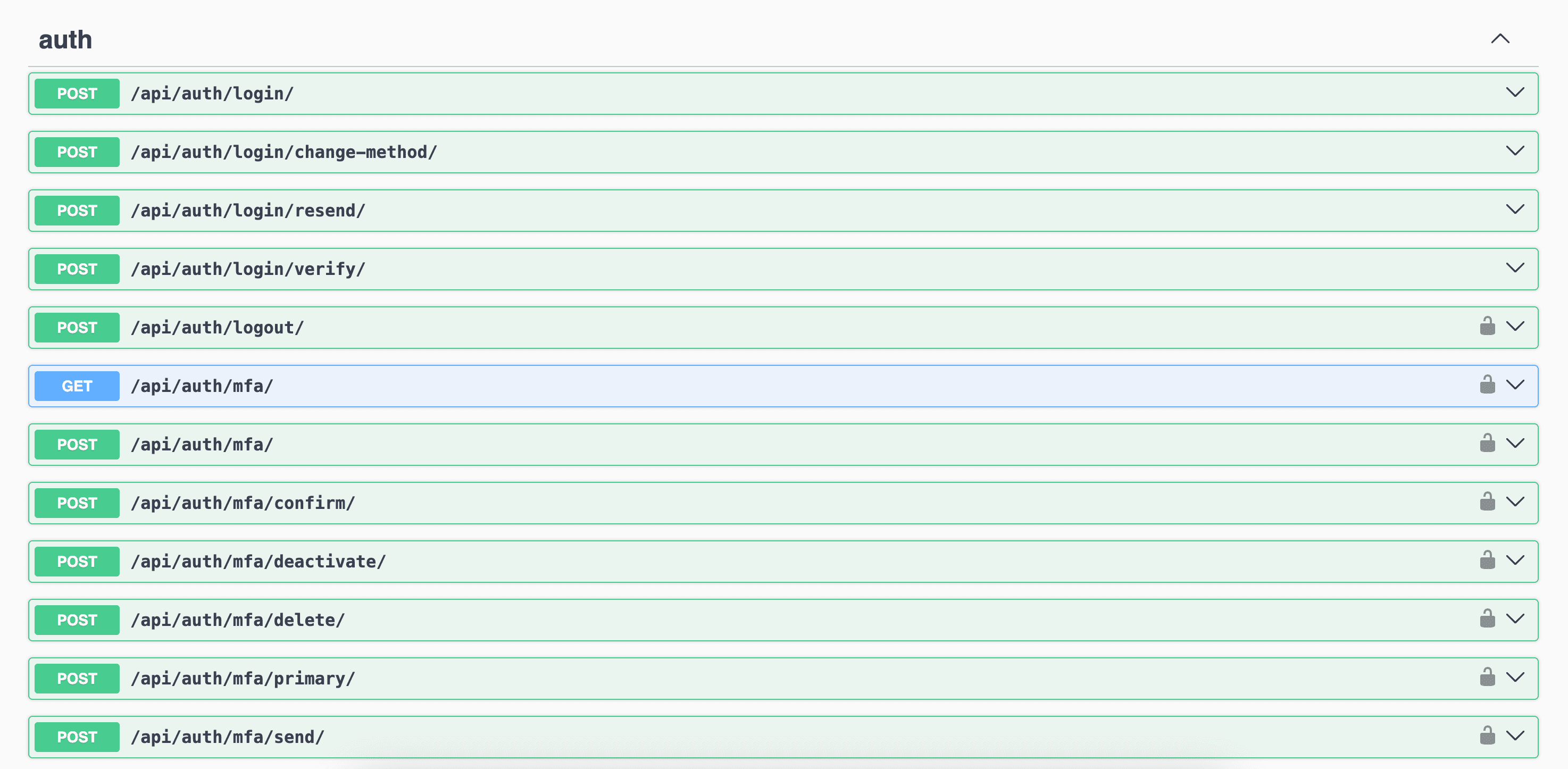
- Swagger UI:
/api/docs/ Interactive API explorer with request/response examples. Best for testing individual endpoints.
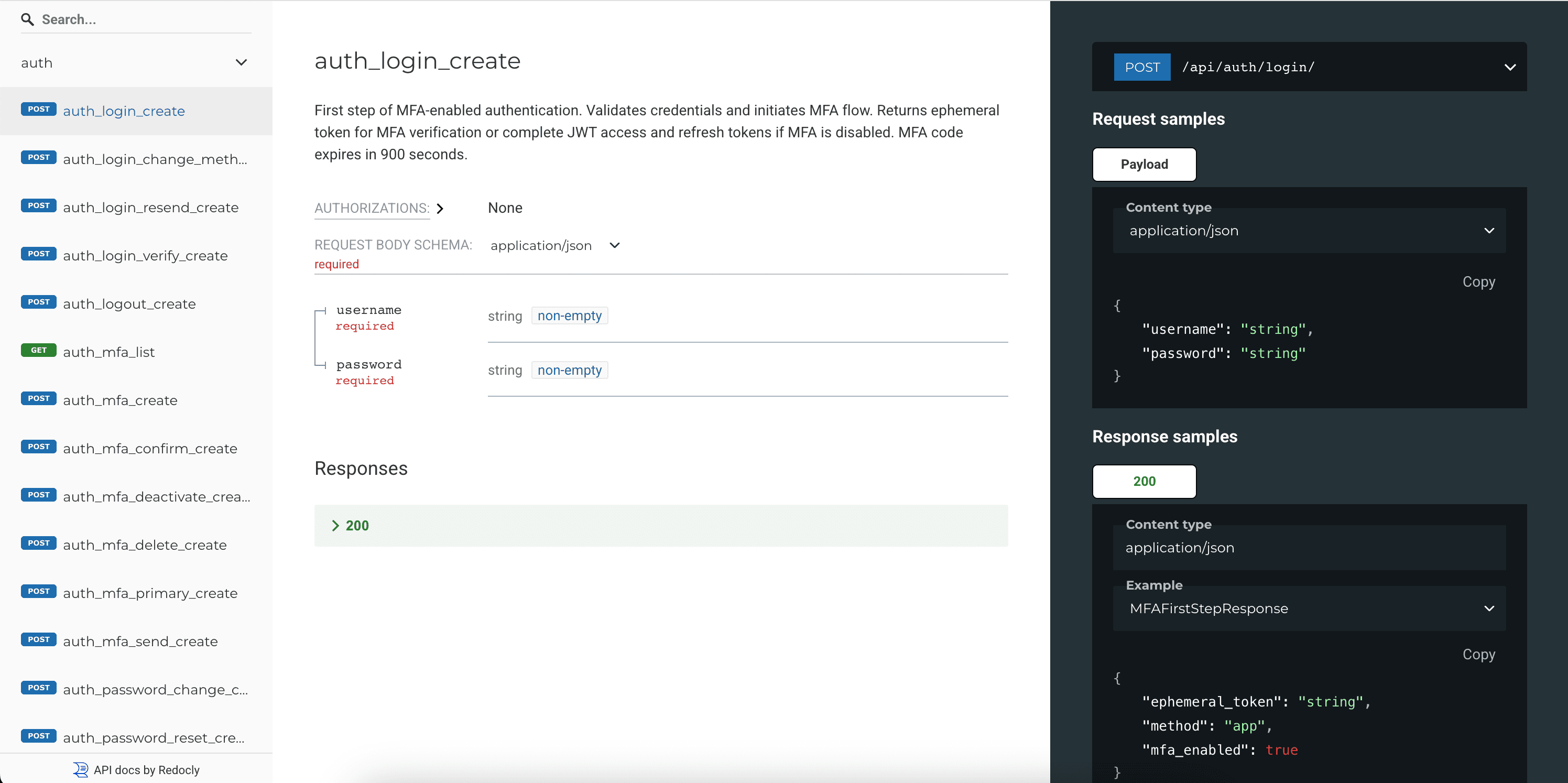
- ReDoc:
/api/redoc/ Clean, detailed API documentation. Best for understanding the complete API structure.
- OpenAPI Schema:
/api/schema/ Raw OpenAPI schema in JSON format. Useful for generating client code.
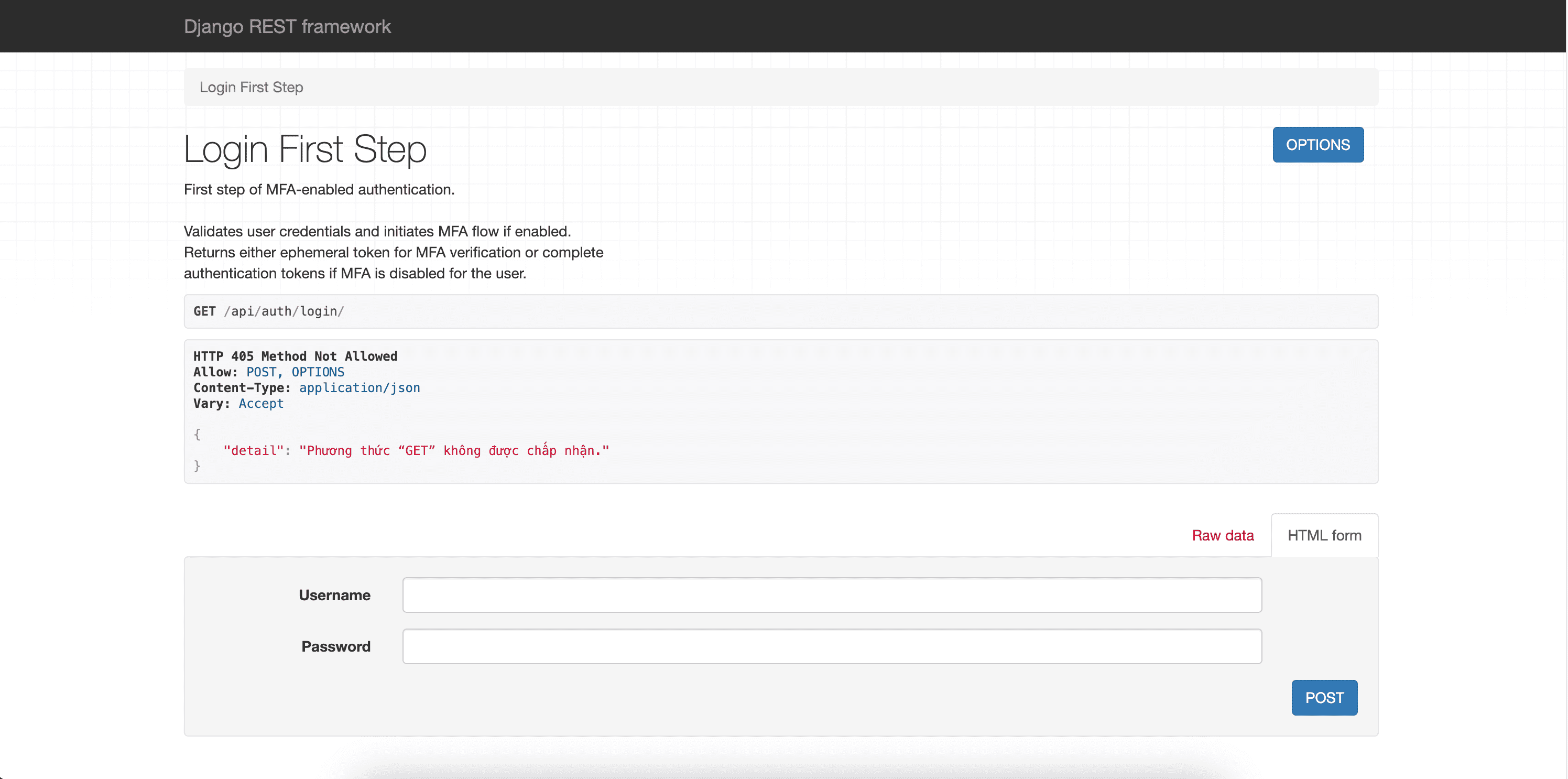
- Browsable API: Visit any endpoint directly
HTML forms for testing endpoints (e.g.,
/api/auth/registration/). Requires authentication for protected endpoints.
Testing Authenticated Endpoints
Using Swagger UI
With Cookie Authentication (default):
Login via
POST /api/auth/login/Authentication cookies are automatically set in your browser
Test protected endpoints like
GET /api/auth/user/- no manual token setup neededTokens are automatically included in subsequent requests
With Header Authentication:
Login via
POST /api/auth/login/Copy the access token from the response
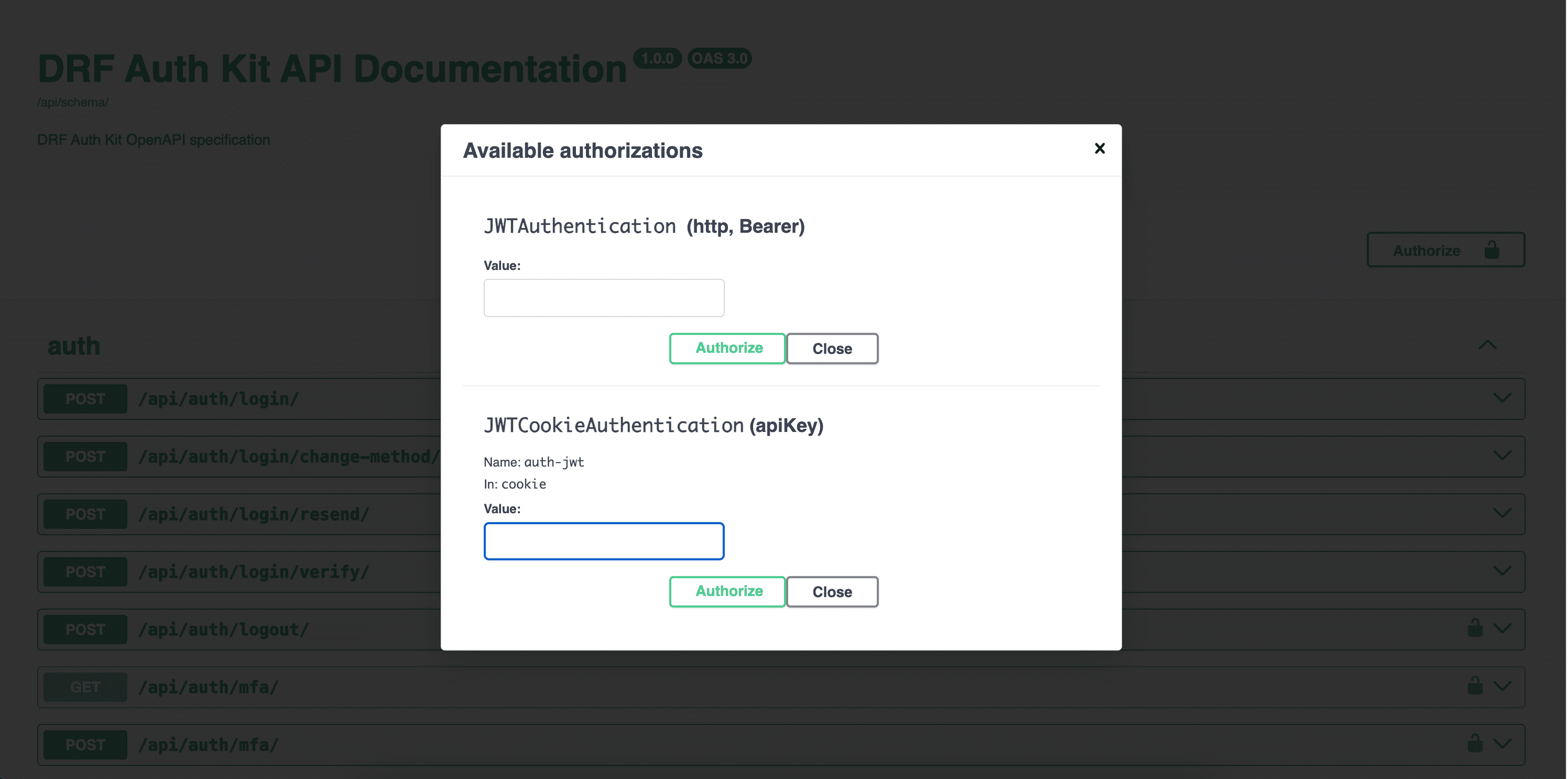
Click “Authorize” in Swagger UI
Enter
Bearer <your-access-token>in the authorization fieldTest protected endpoints like
GET /api/auth/user/
Using Browsable API
With Cookie Authentication (default):
Login via
POST /api/auth/login/Authentication cookies are automatically set in your browser
Navigate to protected endpoints directly in your browser
Use the HTML forms to make requests - authentication is automatic
With Header Authentication:
Login via
POST /api/auth/login/You’ll need to manually include the
Authorizationheader in requestsThe browsable API may require additional setup for header-based auth testing
Understanding Authentication States
Unauthenticated Requests: - Return 401 Unauthorized for protected endpoints - Public endpoints (registration, login, password reset) work normally
Authenticated Requests: - Include valid tokens automatically (cookies) or manually (headers) - Access to protected endpoints like user profile, logout - Token refresh is available for both cookies and headers
Next Steps
After completing this setup:
Basic Authentication: Basic Usage - Learn core authentication features
Social Authentication: Social Authentication - Set up social login
Multi-Factor Authentication: Multi-Factor Authentication (MFA) - Enable additional security
Customization: Customization - Customize authentication behavior
Development Tips
Use the browsable API during development for quick testing
Set up API documentation early for better team collaboration
Test both success and error scenarios using the interactive documentation
Consider your authentication method (cookies vs headers) based on your frontend architecture